Free for everyone

Build activities with your own AI.

Connect Decka to the AI app you already use. Your app does the building with its own tokens, so you need no Decka plan. Decka gives it the room, the QR codes, test players and a way to see its own work.

Connect Decka to your AI app

  1. Step 1: Add Decka

    Run this in your terminal.

    claude mcp add --transport http decka https://decka.dev/mcp
  2. Step 2: Sign in

    Type /mcp in Claude Code, choose decka, and approve it in your browser.

  3. Step 3: Ask for a deck or an activity

    Paste one of these, or describe your own idea.

    For a deck

    Use Decka to make a lesson on photosynthesis for 12-year-olds. Open with a poll to find out what they already think, and end with a quiz.

    For an activity

    Use Decka to build an activity: a game where everyone guesses how the room feels about hot takes.

Connected Decka before? Sign in again and approve “Build and publish activities” and “Stay signed in”.

Decks an AI made with Decka

An AI app made each of these decks through Decka, from the prompt on its card: the slides, the pictures and the live activities.

  • Conference keynote

    Give the Night Back
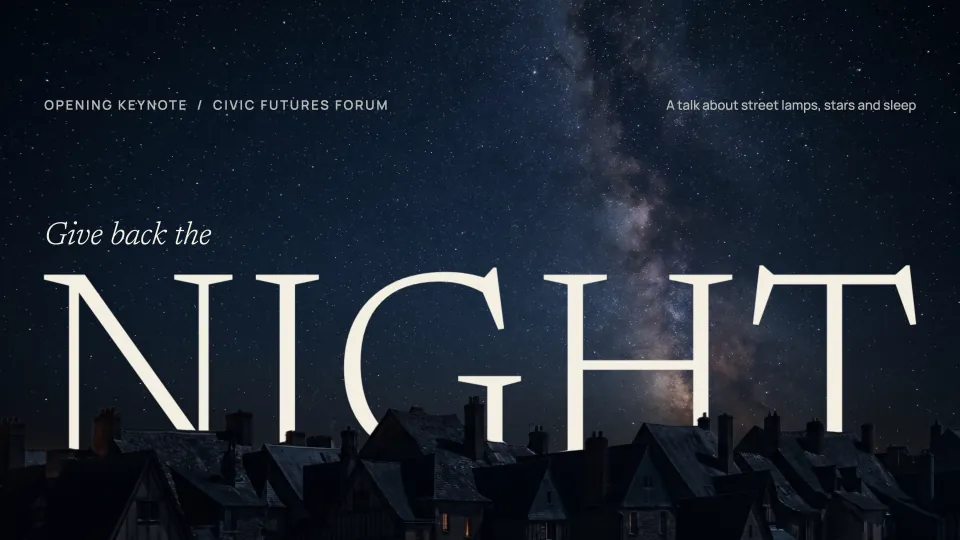
    Give back the night. Opening keynote, Civic Futures Forum: a talk about street lamps, stars and sleep. The Milky Way over dark rooftops.
    We lit the night to feel safe. Then we forgot to stop. A lone street lamp on a cobbled street at night.
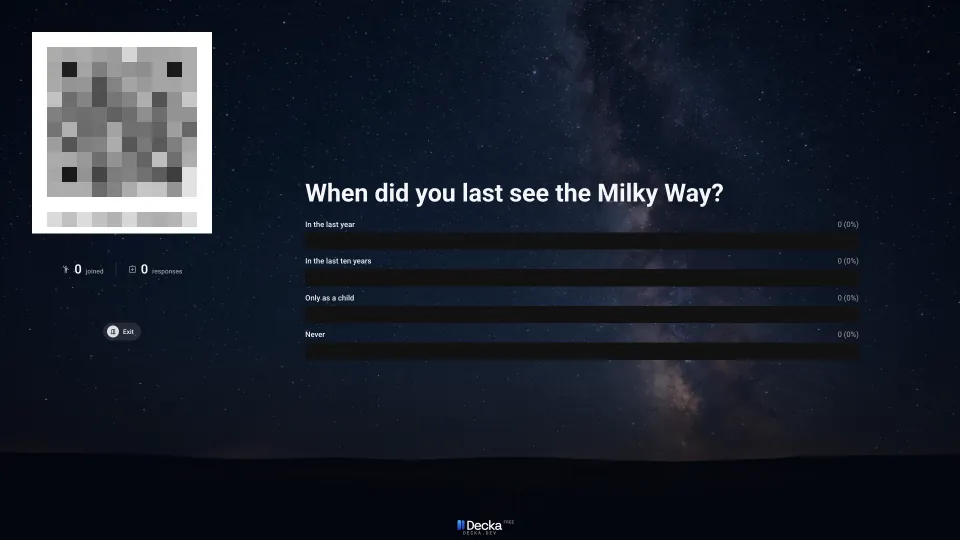
    A live poll's slide: When did you last see the Milky Way? In the last year, in the last ten years, only as a child, or never. Its join code is hidden here.
    The prompt
    Use Decka to make my conference keynote on light pollution, Give the Night Back. Open with a poll, let the audience send questions from the start, and end on a live Q&A.

    Live activities the AI chose: Poll, A/B Test and Q&A Session.

    Use this template: Give the Night Back
  • Team workshop

    Bad Ideas First

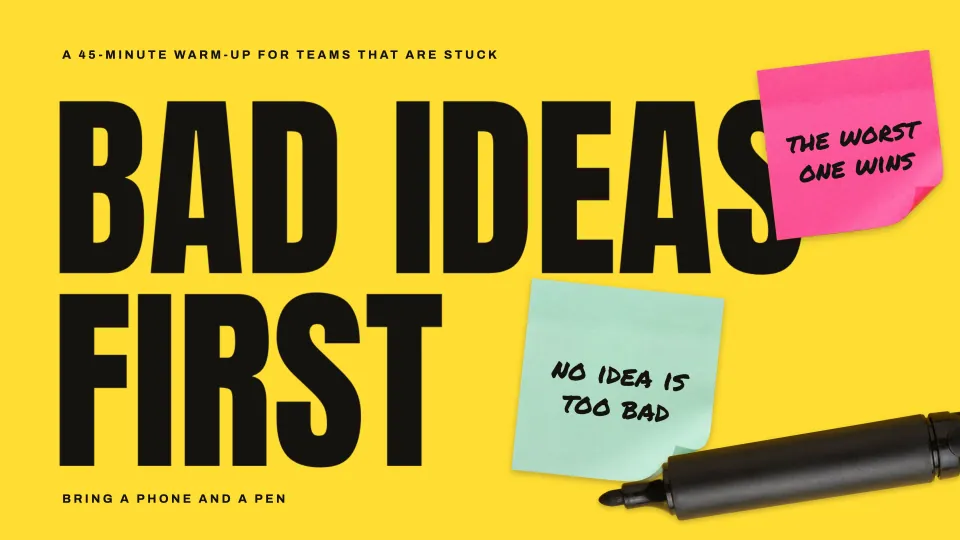
    Bad ideas first: a 45-minute warm-up for teams that are stuck. Bring a phone and a pen. Sticky notes say the worst one wins, and no idea is too bad.
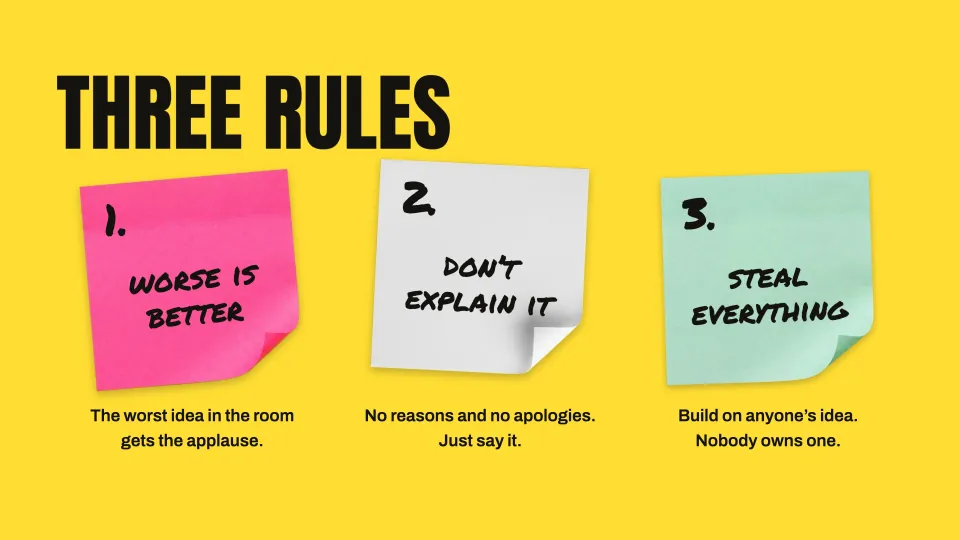
    Three rules, on sticky notes. Worse is better: the worst idea in the room gets the applause. Don't explain it: no reasons and no apologies. Steal everything: build on anyone's idea.
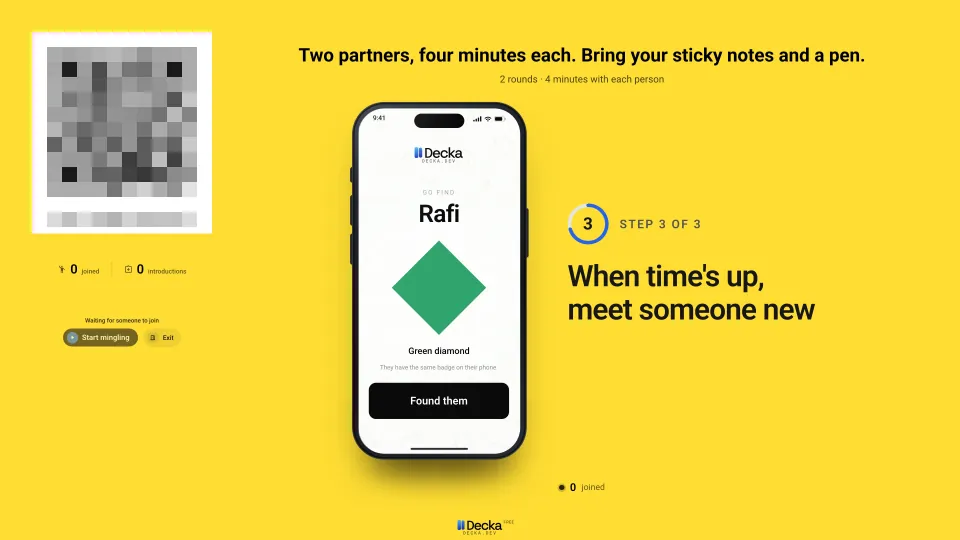
    A live Mingle Match slide: two partners, four minutes each. Bring your sticky notes and a pen. A phone shows a partner's name and the green diamond to find them by. Its join code is hidden here.
    The prompt
    Use Decka to make a 45-minute team warm-up called Bad Ideas First. Open with a word cloud, then run a round where everyone sends in their worst idea and we reveal them one by one.

    Live activities the AI chose: Squadrillion, Mic Drop and Mingle Match.

    Use this template: Bad Ideas First
  • Cooking class

    Dumpling Night

    Dumpling Night at the Larch Street Community Kitchen, Thursday, 6:30 pm. Fold, steam, eat: a class for beginners. A bamboo steamer of dumplings.
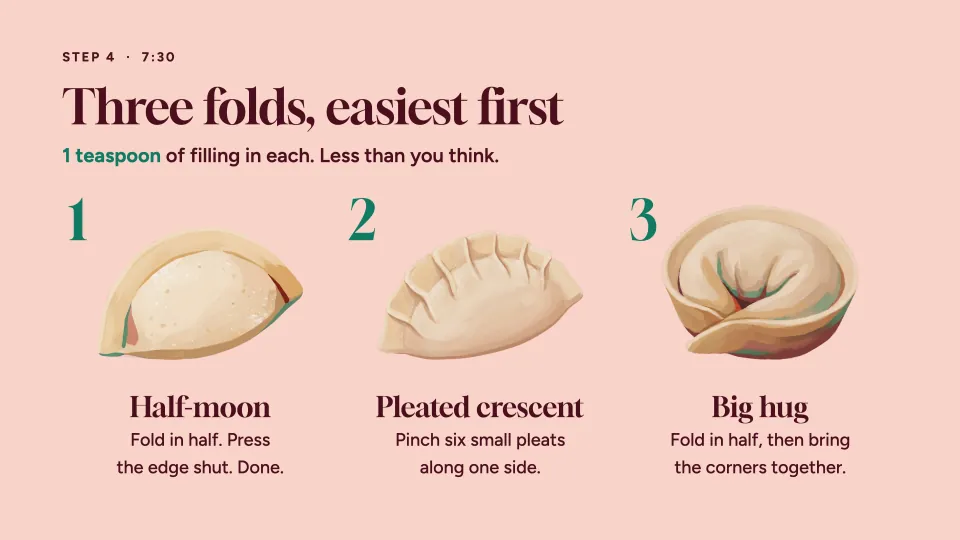
    Three folds, easiest first, with one teaspoon of filling in each: the half-moon, the pleated crescent and the big hug, each beside a painted dumpling.
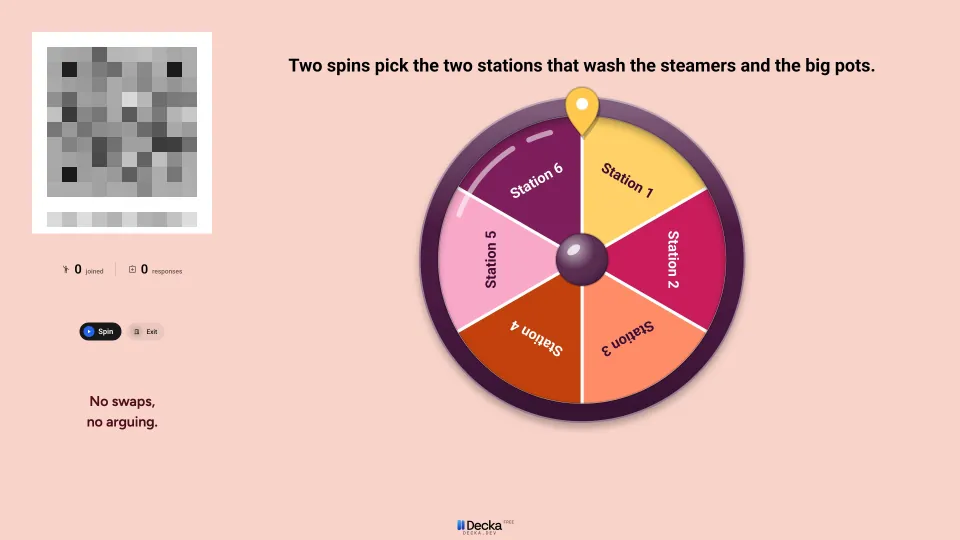
    A live Spin the Wheel slide: two spins pick the two stations that wash the steamers and the big pots. No swaps, no arguing. Its join code is hidden here.
    The prompt
    Use Decka to make slides for my beginners' dumpling class: tonight's plan, the dough, three folds and steaming. Let the class vote on the filling, and add a wheel that picks who washes up.

    Live activities the AI chose: Poll, Quiz and Spin the Wheel.

    Use this template: Dumpling Night
  • Conference talk

    Come Back Later

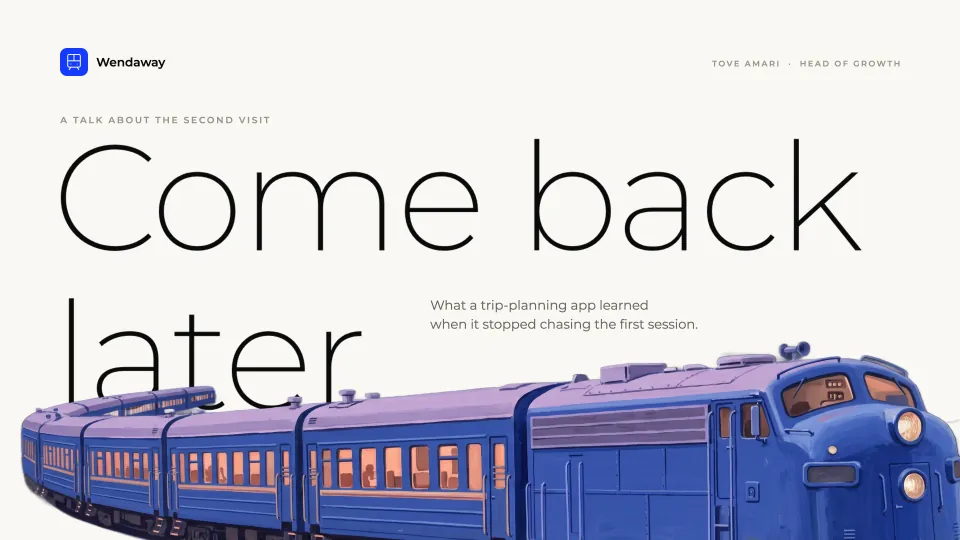
    Come back later: what a trip-planning app learned when it stopped chasing the first session. A talk about the second visit, over a painted blue train.
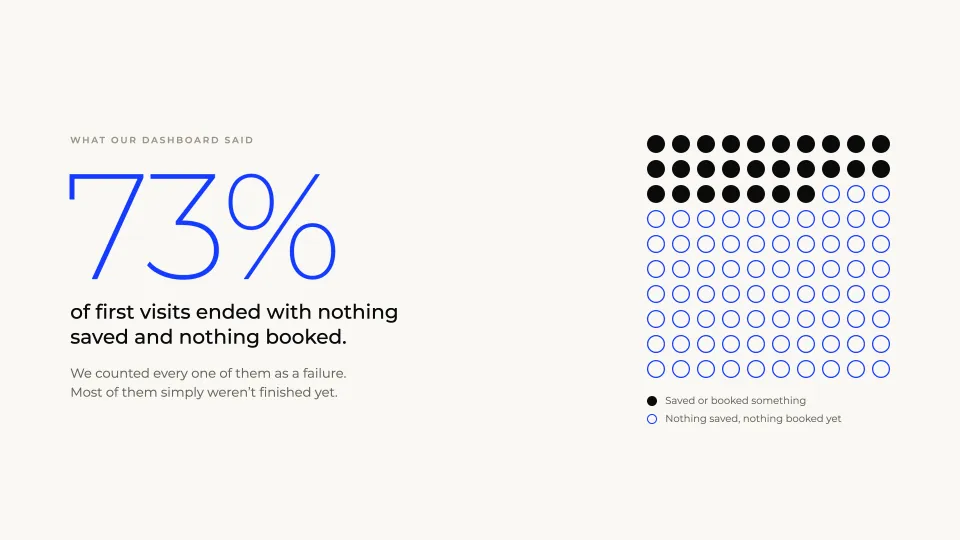
    73% of first visits ended with nothing saved and nothing booked. We counted every one of them as a failure. Most of them simply weren't finished yet. A grid of dots, most of them empty.
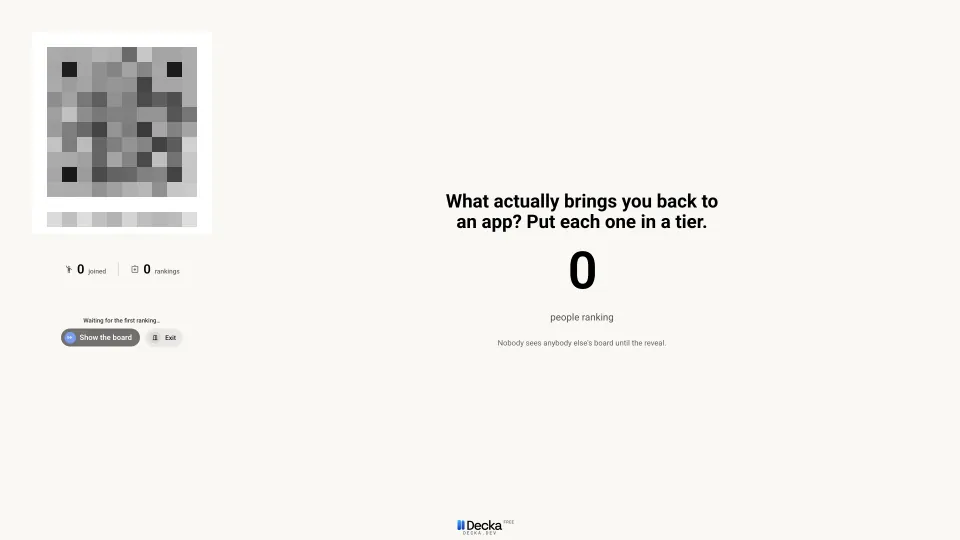
    A live Tier List slide: What actually brings you back to an app? Put each one in a tier. Its join code is hidden here.
    The prompt
    Use Decka to make a 13-slide conference talk on growing a travel app by designing for the second visit, in Montserrat on warm off-white with tall painted pictures, a live poll to open and a word cloud halfway.

    Live activities the AI chose: This or That and Tier List.

    Use this template: Come Back Later

Your own AI or Studio?

Your own AIStudio in Decka
What you pay DeckaNothingOne free try, then Creator
Who pays for the AIYou, through your AI appYour Creator allowance
SetupConnect your app onceNone
Questions and sketchesHowever your app shows themShown right on the screens
Giving feedbackDescribe it in wordsPoint at the screen
A second AI reviews the designIf your app can run oneEvery build
Test players, checks and approvalThe sameThe same

We recommend Opus 5.5 or a model as strong. Other models work, but may take more rounds and more of your tokens. Decka's test players and screenshots are free up to a daily limit. Prefer no setup? Try Studio free.