Presenter mode and activity remote
The audience sees the deck. You see what is next.
Present an ordinary deck fullscreen, open private notes and timing when you need them, and use the dashboard remote to run live Activities from your phone.
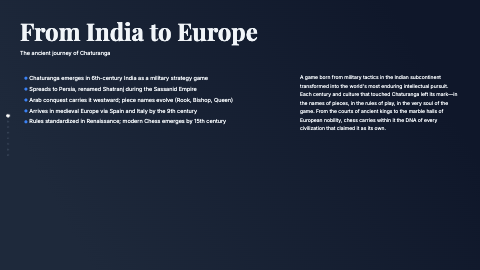
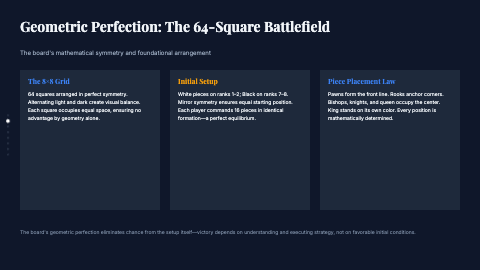
The deck enters fullscreen, presenter notes open with timing and slide controls, then a phone-sized dashboard controls a live Activity.








Built into the editor
Two focused controls for two presenting jobs.
Presenter view supports an ordinary slide deck. The phone-friendly dashboard remote is specifically for a live Activity session.
Present fullscreen
Start a standard presentation in fullscreen and move through the deck without the editor chrome around it.
Press N for presenter view
Open a separate presenter window with your notes, an elapsed timer, and a control for advancing the deck.
Control live Activities
When an Activity is live, open Control in the dashboard on your phone to operate that session away from the laptop.
Presenter view and remote control have different roles
For an ordinary presentation, fullscreen mode keeps the audience focused on the slides. Press N to open the presenter window, where your notes, elapsed time, and Next Slide control stay separate from the projected deck.
Decka's dashboard remote currently controls live Activities, not navigation through an ordinary deck. When a poll, Q&A, quiz, or another Activity is running, the remote gives you a phone-friendly control surface for that live session. Keeping those jobs distinct makes the current behavior predictable on stage.
FAQ
Presenter mode questions, answered
Do I need a second screen for presenter view?
No. Press N during fullscreen presentation to open presenter view in a separate window. A second display is convenient because it keeps that private window away from the audience, but Decka does not require one.
Can the audience see my presenter notes?
The notes appear in the separate presenter window, not on the audience-facing fullscreen deck.
Can the dashboard remote advance an ordinary deck?
Not currently. The dashboard remote controls a live Decka Activity. Standard decks use fullscreen navigation and the N presenter view.
Start with AI. Finish with your eye.
Create the first draft in seconds, then shape every slide until it is unmistakably yours.
Create a presentation