An impact effort matrix the whole room fills in from their phones
Impact Grid turns an impact effort matrix into something the whole room fills in. Every phone drags each idea onto the grid, the big screen shows where the room agrees and where it is split, then everyone spends dots on what to do first.
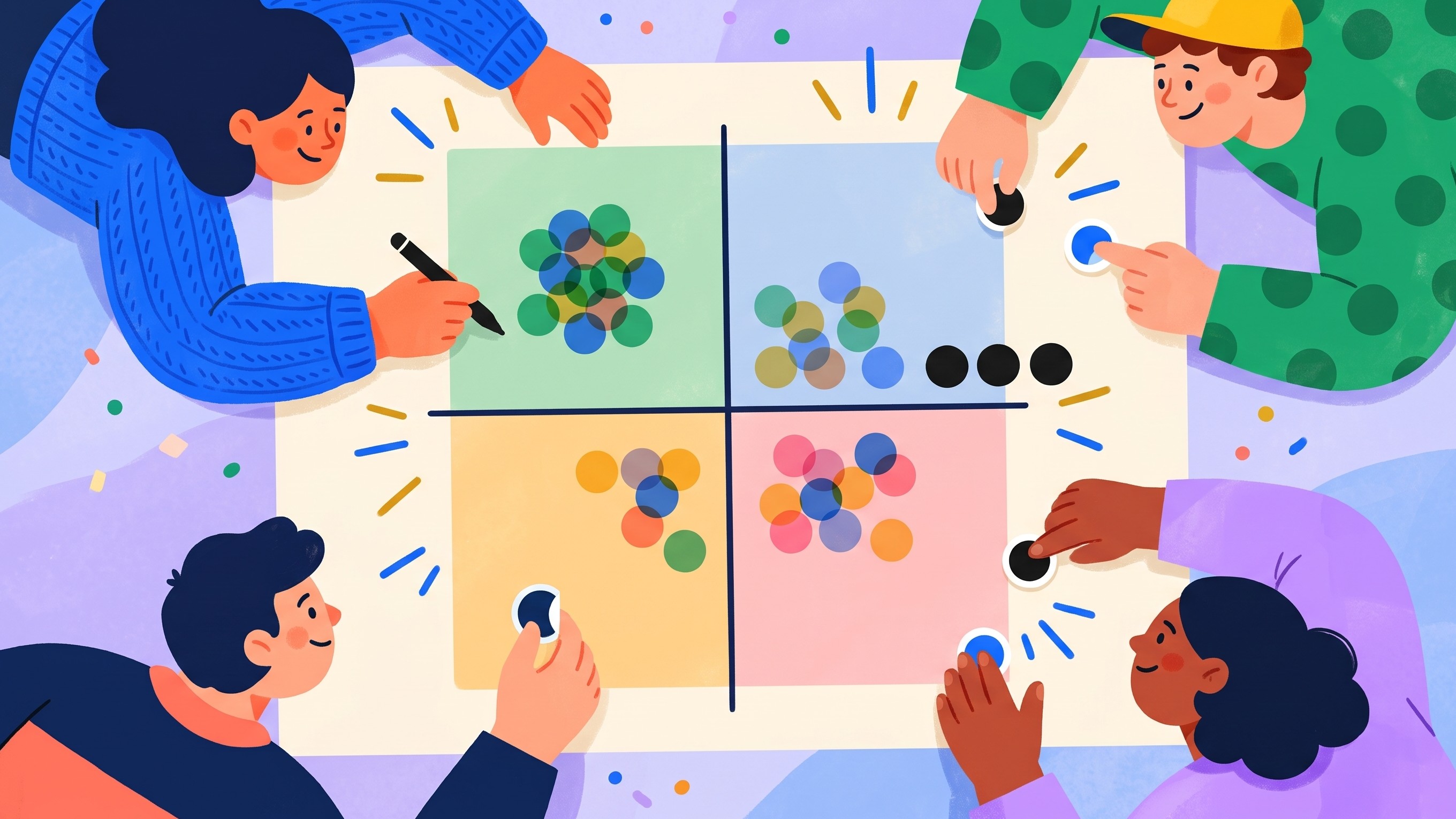
How the room fills in an impact effort matrix
Impact Grid puts one question at the top of the big screen, such as "How do we make onboarding faster?", and a list of up to 12 ideas that answer it. Players join by scanning the code.
Press Start placing. Each phone deals the ideas one at a time onto a square pad, with impact up and effort across. Players drag the dot to where the idea belongs and press Place it, or Skip one they can't judge.

While phones place, the big screen shows every dot in grey, with no idea and no person attached to any of them. Nobody can see where the crowd went, so nobody follows it. Each player can move any idea until you press Reveal the grid.
Then you take the room through the ideas one at a time. Each idea's dots ink in, the big screen reads the cloud, and Next idea moves on. After the last one, Start the vote opens the dot vote, and Close the vote gives the shortlist.
The four quadrants of an impact effort matrix
The pad, the big screen and the shortlist all use the same four names, each with its own colour:
- Quick wins: high impact, low effort. Do first.
- Big bets: high impact, high effort. Plan it.
- Fill-ins: low impact, low effort. If there is time.
- Money pits: low impact, high effort. Let it go.
The phone names the quadrant above the pad the instant the dot crosses an axis, so a player always knows what their placement says. An idea lands in the quadrant where the room's centre for it sits.
Where the room agrees, and where it is split
An ordinary matrix shows one dot an idea, placed by whoever held the pen. Impact Grid shows every player's dot, so each idea has a cloud. A tight cloud means the room agrees. A wide one means it doesn't.

For each idea, the big screen gives a meter for impact and one for effort. Each meter shows the spread as a plus-or-minus figure and calls it Agreed, Loose or Split. A ring on the grid holds about two thirds of the room's dots.
When one axis is split, the screen says so in words: "Same impact, very different effort. Ask why." That is the conversation to have. Usually one person knows something about the work that the others don't. An idea with fewer than three dots is too few to call.
Each phone shows its own player where they put the idea, marked You, beside the room's centre.
Dot voting on what to do first
The grid says where each idea sits. The dot vote says which ones the room wants first. Each phone gets the number of dots you set in Dots each, three by default and up to ten.
Players tap an idea to give it a dot and tap − to take one back. They can put several dots on one idea. The phone lists the ideas by quadrant, so Quick wins sit at the top, and the big screen ranks the ideas as the dots land.
The vote is live on the big screen. If your room tends to follow the leader, ask everyone to choose on their phone before they look up. There's more on that, and on how many dots to give, in this guide to dot voting.
The shortlist: start here
Press Close the vote and the big screen names one idea under Start here. It's the quick win with the most dots, or the top idea overall if no idea landed in Quick wins.
Below it, each quadrant lists its ideas by dots. An idea the room was split on carries a Split mark. The screen picks out the most-voted of those, so the room talks it through before anyone plans it.
Reopen the vote keeps every dot and lets the room change its mind.
Press Finish to end. The report keeps every idea's centre, spread, quadrant and dots.
Collect ideas from the room first
With Phones add ideas too on, the game opens an idea wall before placing. Press Collect ideas, and each phone can add up to three ideas of up to 60 characters, until the wall holds 12.
The big screen lists each idea as it lands. A duplicate is turned away with "Already there". If a near-copy slips through, Remove the newest idea takes down the one the big screen marks Newest, and that phone is told.
Leave Ideas to place empty, and every idea on the grid comes from the room.
What you set on the create form
- The room's question: what the ideas answer, up to 90 characters. It heads every screen.
- Ideas to place: up to 12, each up to 60 characters.
- Phones add ideas too: opens the idea wall before placing.
- Dots each: from 1 to 10.
- Time to place: No limit, or 1, 2, 3 or 5 minutes. With a limit, the grid reveals itself when time is up.
The quick starts include Onboarding ideas, Next quarter's roadmap, Ideas from the room and Class project, each with its own question and ideas.
In a classroom room
A classroom room sends no names, so players play by seat number. It can also hold typed text for review: ideas from phones wait for your approval before they reach the wall, and the phone shows them as With the host until then.
A classroom report keeps the numbers: the ideas by dots and the dots in each quadrant. The line for each idea, with its centre and spread, is kept only in an open room.
FAQ
Impact Grid, explained
What is an impact effort matrix?
A grid with impact up the side and effort along the bottom, used to sort a list of ideas or tasks. Its four quadrants separate the quick wins from the big bets, the fill-ins and the money pits.
What are the four quadrants of an impact effort matrix?
Impact Grid calls them Quick wins (high impact, low effort), Big bets (high impact, high effort), Fill-ins (low impact, low effort) and Money pits (low impact, high effort). Other versions use other names for the same four corners.
Is an impact effort matrix the same as an Eisenhower matrix?
No. An Eisenhower matrix sorts tasks by urgent and important, and suits one person's to-do list. An impact effort matrix suits a team choosing between ideas. This guide to the prioritization matrix compares the main kinds.
Is there an impact effort matrix template?
The create form is the template. Type your question and up to 12 ideas, or start from a quick start such as Next quarter's roadmap and change its ideas.
Can players see each other's dots while placing?
No. Until you press Reveal the grid, the big screen shows the dots in grey with no idea or name on them, and each phone shows only its own.
How many ideas fit on the grid?
Twelve, whether you type them, the room adds them, or both.
Read more
- Dot voting: how to run it, how many dots to give, and how to stop the herdDot voting step by step, with how many dots each person gets, the rules to settle first, and why the first dots on the wall pull the rest towards them.
- Prioritization matrix: five ways to rank a list, with an example of eachThe prioritization matrix explained, from impact vs effort and the Eisenhower matrix to weighted scoring, RICE and MoSCoW, each with a worked example and when to use it.