Scrum poker for the whole team, with every phone as a hand of cards
Estimation Cards runs scrum poker on the big screen. Everyone picks a card in secret on a phone or laptop, the cards flip together, and the table sees the spread, the median and who should explain. Anyone can add a story as you go.
How scrum poker works
Scrum poker is a way for a team to size its work without the loudest voice setting the number. Someone reads a story, everyone picks an estimate in secret, and all the cards turn over at once.
If the cards agree, you record the estimate and move on. If they don't, the people with the lowest and highest cards explain their thinking, and everyone picks again. It's the method many teams know as Planning Poker, a name Mountain Goat Software holds as a registered trademark.
Estimation Cards runs it on the big screen, with a phone or laptop as each person's hand. Your team scans the code, or opens the link on a laptop, and takes a seat at the table.
Queue the stories, or add them from any phone
Type stories into the form under Stories before the meeting, each with an optional ticket key such as PAY-142. Or skip the form. Anyone at the table can add a story from their phone or laptop at any time.
A story typed with its key in front, like "PAY-142 Sign in with Google", shows the key on its card. Each person can have five stories waiting at once, and can remove their own while they're still queued.
If the queue runs dry, the big screen asks the table to add a story to estimate. Voting starts as soon as one lands.
Pick a card in secret
Press Start, and the first story goes up. Every phone shows the deck, and each person picks a card. Nobody sees it until they all flip.
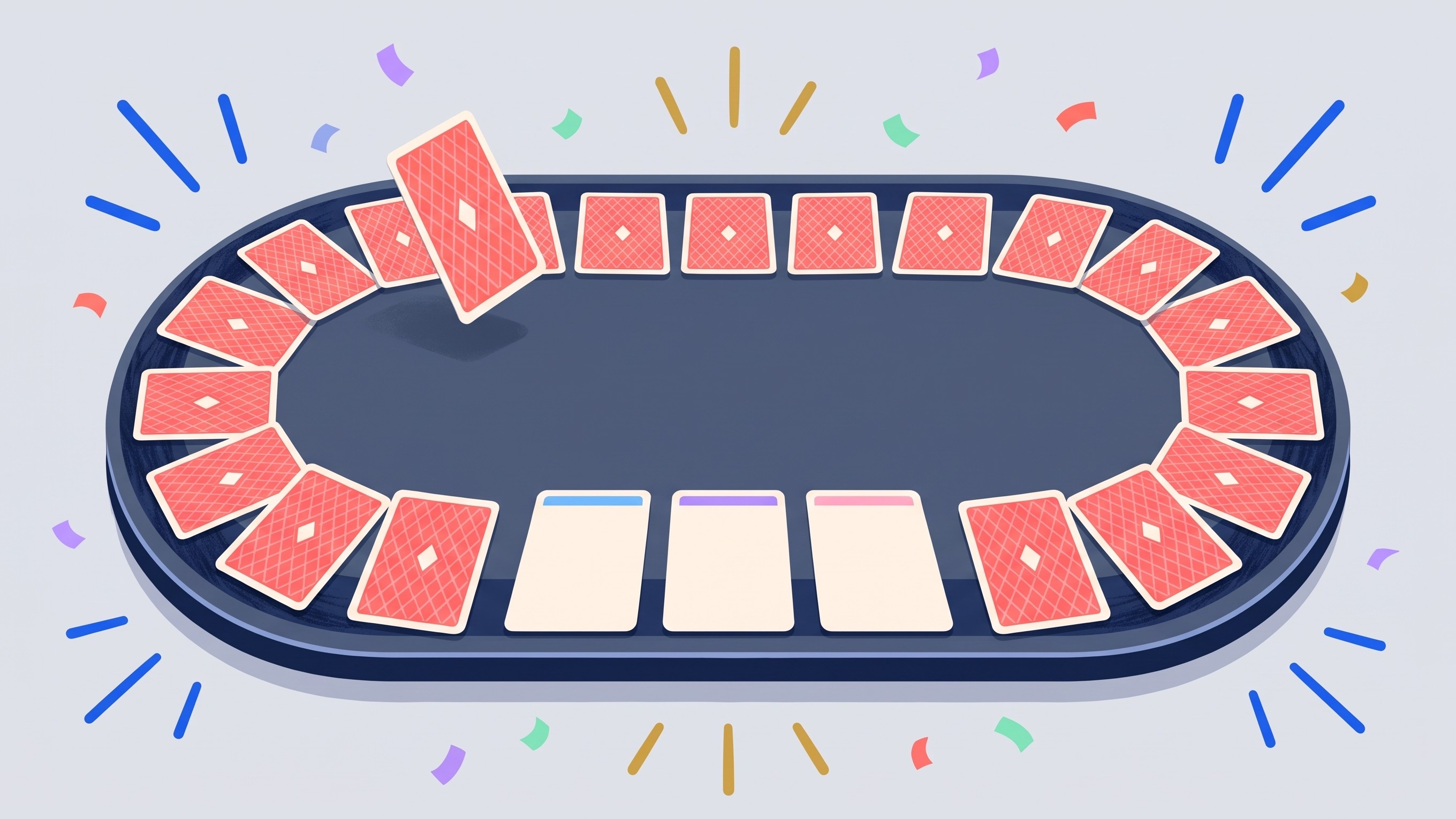
The big screen shows a card back at each seat and how many are still choosing. Up to ten people sit along the two long sides of the table. From eleven to thirty they go all the way round, each with a name plate, and past thirty the ring becomes a band of small cards.

Once everyone has picked, the cards flip by themselves after a short count. Turn off Flip the cards once everyone has picked, and they flip only when you press Reveal.
When the cards flip: the spread, the median and who explains
Every card turns face up at once, and the big screen lays the spread out in columns, one per card. It marks the median, the most common card and the suggested card.
When the cards differ, the big screen asks the table to hear from the lowest and highest cards. It names the first person to play each one. Each phone shows the same spread, with the person's own card marked.

When every number card on the table matches, with at least two down and no ? card, the big screen calls it Consensus.
Accept the estimate, re-vote or skip the story
After the flip, your panel offers the next move. The suggested card is the one the table agreed on, or the median rounded to the nearest card in the deck. Exactly halfway between two cards rounds up.
- Accept records the suggested card. Its button carries the card, such as Accept 5.
- The next card up is the second button, such as Accept 8, one card up, for a table that talks itself up a size.
- Re-vote clears the cards for another round. The big screen reminds everyone what the last round ran from and to.
- Skip this story parks a story that isn't ready to size.
When the cards agree or sit one card apart, the panel leads with Accept. On a wider spread it leads with Re-vote, because that's the moment for the low and high cards to explain. Undo the estimate takes back a mis-press.
Four estimation decks, from Fibonacci to t-shirt sizes
Pick a Deck on the create form. Each phone shows only that deck's cards.
- Modified Fibonacci: 0 ½ 1 2 3 5 8 13 20 40 100. The default.
- Fibonacci: 0 1 2 3 5 8 13 21 34 55 89.
- T-shirt sizes: XS S M L XL XXL.
- Powers of 2: 0 1 2 4 8 16 32 64.
Every deck can also carry two extra cards, both on by default. The ? card is for someone who can't size the story yet. The break card asks the table for a break, and the big screen counts how many want one.
For why the gaps grow, see this guide to Fibonacci story points. For sizing a roadmap rather than a sprint, see t-shirt sizing in agile.
Scrum poker online, for remote and hybrid teams
Nothing needs installing. People in the room scan the code with a phone, and people at home open the link on a laptop. On a video call, share the big screen so everyone sees the table flip.
In a wide laptop window the whole hand sits in one row, so a remote voter picks a card with one click. Everyone votes on the same story at the same moment, wherever they're sitting.
The session report
Once the queue is empty, press See the report. It lists every story with its estimate and how many rounds it took, and the total points. With T-shirt sizes there's no total, so it counts the stories by size.
Skipped stories stay on the report, marked as skipped. Each phone gets the list too, with how often that person's card matched the final estimate.
There's no export to a tracker such as Jira yet. Decka's own report keeps every story with its estimate and rounds as text after the session ends.
What the facilitator does
You run the session from your panel: Start, Reveal, Accept, Re-vote, Skip this story and Next story. To vote as well, join on your own phone like everyone else.
Someone who taps I'm only watching on their phone leaves the count, so the cards can flip without them. Join the vote brings them back.
To try it before a real sprint, the quick start Try it with a sample backlog loads five stories to practise on. For how to size a story well, see this guide to story points estimation.
FAQ
Estimation Cards, explained
What is scrum poker?
A way for a team to estimate work together. Everyone picks a card in secret, the cards flip at once, and the lowest and highest explain before the team settles on a number.
How do you play scrum poker online?
Open the session on a shared screen. Everyone joins from a phone or laptop with the code or link, picks a card for each story, and watches the cards flip on the big screen.
Which estimation deck should we use?
Modified Fibonacci suits most teams sizing stories in points. Use T-shirt sizes for early or rough sizing, such as a roadmap, and Powers of 2 if your team already counts that way.
Can people add stories during the session?
Yes. Anyone can add a story from their phone or laptop at any time, with a ticket key in front if they like. Each person can have five waiting at once.
What happens if the team can't agree?
Press Re-vote after the low and high cards explain. If the spread stays wide, accept the suggested card or the next one up, or skip the story and split it later.
Does it work in a classroom room?
Yes. A classroom room sends no names, so the big screen names the cards instead, asking the table to hear from the low card and the high card.
Read more
- Fibonacci story points: why the scale skips numbers, and which deck to useWhy Fibonacci story points work, where the modified Fibonacci scale's 20, 40 and 100 came from, and how it compares with powers of 2 and the first deck of all.
- Story points estimation: how to size work as a team, and why the cards flip togetherHow story points estimation works, where story points came from, a cheat sheet for each card, and why a team should show its estimates at the same moment.
- T-shirt sizing in agile: how to size work from XS to XXL, and when to use itHow t-shirt sizing in agile works, what each size means, when it beats story points, how non-software teams use it, and why early estimates come in small.