A survey game built from the room's own answers
Think Like the Room is a survey game for the big screen. Everyone answers a few quick questions on their phone, the answers become the boards, and two teams race to guess the top answers the room gave.
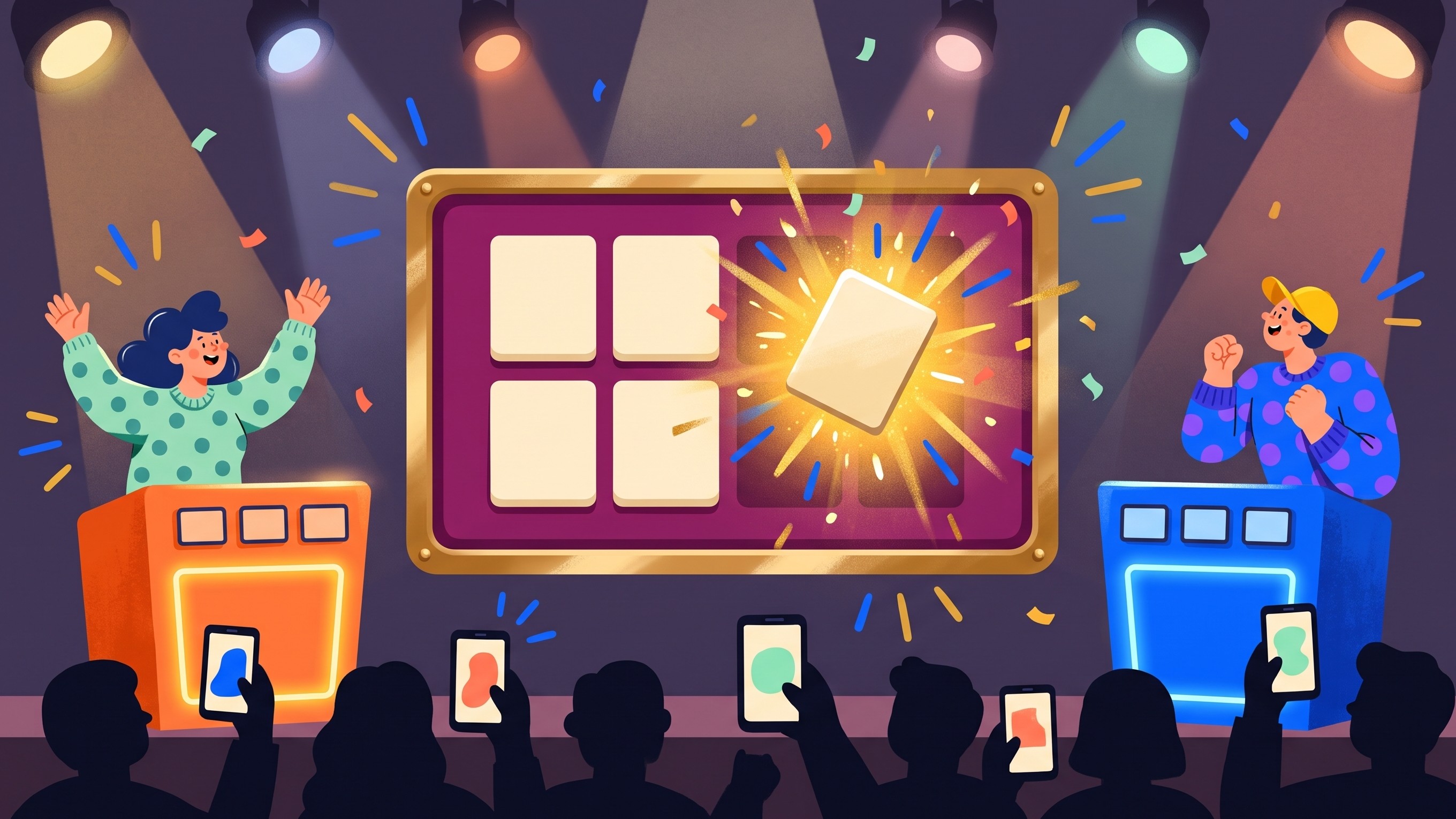
How to play the survey game
The game starts with a survey of the people in the room. Every phone gets the same few questions, one at a time, such as "Name something people forget to pack for a trip," and players type the first thing that comes to mind. A player who is stuck taps Skip this one.
While they type, the big screen counts the answers to each question but never shows the words. Nobody sees the board before it plays.
When the survey closes, the answers are counted. Answers that mean the same thing are grouped, and the most common ones become that question's board, up to six answers. Each answer is worth one point for every player who gave it.
Players are on one of two teams from the moment they join, Sunrise or Midnight, and each round plays one board.
Face-off, playing the board and the steal
Each round opens with a face-off. Everyone on both teams types the answer they think most people gave. The team whose best guess sits highest on the board takes control, and that answer turns over.
The team in control then plays the board. One captain at a time locks in a guess, and the captain changes every guess. Teammates send ideas from their own phones, and the captain sees them under Your team says, with a count when several sent the same one.
A guess on the board turns that answer over and adds its points to the bank. A guess that isn't up there is a strike. Three strikes, and the other team gets one guess to steal. If it's on the board, they take the round's points. If not, the team in control banks them.

After the bank, every answer left on the board turns over, so the room sees what it said.
How the survey game scores
An answer's points are the number of players who gave it in the survey, so the top answer is worth the most. The last round counts double by default.
After the last round, the team with more points wins. The big screen lists the players most in tune with the room, the ones with the most answers on the boards. After a survey, each phone shows how many of its own answers made the board, and how many answers it found.
How guesses are matched to answers
A guess matches an answer when the words are the same once capitals, accents, punctuation and a plural ending are set aside. A leading word such as the, a or my makes no difference, and neither does a small typo.
By default, AI also groups survey answers that mean the same thing, such as mobile and cell phone, and rules on a close guess. It uses AI credits. Turn it off on the create form, and the game matches exact words and typos only.
In a room where a dozen or more players answered a question, an answer only one person gave stays off its board. While a guess is being checked, Count it as a miss on your panel moves the game on.
Survey game questions, your own boards or the starter boards
You choose where the answers come from on the create form.
- Survey this room is the default. Write up to eight questions, one per round, or play the four that come with it. For ideas, see these survey game questions.
- Boards you write plays boards of your own, up to twelve, one a round. Type a question and up to six answers, most popular first, with points: Cake = 40, Gift = 25, Balloons = 15. Leave the numbers out and the answers share 100 points by rank.
- Starter boards plays from twelve ready-made boards. Their points are an estimate, not a survey of your room, and the big screen marks each one Starter board.
Boards you write suit a room with only a few phones. They also suit a shower or a wedding: the Shower or wedding quick start comes with three boards, such as "Name something every couple argues about."
A survey question needs at least two answers on its board to play. If one falls short, the game plays the matching starter board when there is one, and otherwise leaves that question out.
What the host does
Players join by scanning the code on the big screen, with no app to install. Each one lands on a team. Press Start once both teams have at least one player.
From there, the buttons on your panel keep the pace:
- Close the survey ends the survey before its clock does. It also ends on its own once every phone is done.
- Start the face-off skips the short wait before each face-off.
- Close the face-off ends the face-off before its clock does.
- Play the board moves on from the face-off result.
- Time's up ends a captain's turn, and counts as a miss.
- Show every answer turns the rest of the board over at once.
- Next round moves on. After the last round, Final scores shows who won.
By default the survey runs for 90 seconds and each guess gets 20 seconds, with ten more for a steal. You can set the survey from 30 seconds to five minutes, and each guess from 10 to 45 seconds. A game plays one to eight rounds, and four by default.
A player who joins late lands on the smaller team and plays from the next guess.
A survey game for a big group or a class
However big the team, a captain sees only its six most popular ideas, so a crowd still plays fast.
The quick starts set the game up for a room: Party survey, Quick three rounds, Office edition, Classroom, and Shower or wedding. The Office edition asks questions such as "Name an excuse for missing a deadline." For more, see these game show ideas for work.
A classroom room sends no names. The big screen calls the player at the board their team's captain, and leaves out the list of players most in tune with the room. The Classroom quick start asks questions such as "Name the best school lunch." For more, see these game show ideas for the classroom.
FAQ
Think Like the Room, explained
What is a survey game?
A game show where teams guess the most popular answers to a survey question, such as the things people forget to pack. In this one, the survey is of the people playing, so every answer on the board came from someone in the room.
Is this like the TV game show with survey answers?
It plays like Family Feud, with a face-off, strikes and a steal. The difference is the survey. Here the room answers first, and the boards are built from those answers.
Can we play the survey game online?
Every player answers and guesses on their own phone, and the board plays on one big screen. On a video call, share that screen so everyone can scan the code and see the board.
How many players does the survey game need?
At least one player on each team to start. However many join, the teams are kept even as players arrive.
Can I write my own survey game questions?
Yes. Write up to eight on the create form for the room to answer. To skip the survey, choose Boards you write and type each question's answers with their points.