A game like Jeopardy! for your PowerPoint, where the whole room plays
Build the board in PowerPoint, or let every phone in the room answer
· Updated
Most people who search for a quiz show template want the board from Jeopardy!: categories across the top, clues that get harder down each column, and a final round where players bet. The show's own press kit describes it as six categories, each with a column of five clues at increasing values.
You can build that board in PowerPoint, and the steps are below. The trouble starts when you run it. On the show, three contestants play and the first to ring in answers. In a room of thirty, that rule leaves twenty-nine people watching.
Questionable! is a quiz show board that the whole room plays. It keeps the board and the teams, and adds a QR code: everyone answers every clue on their phone, and the team's most popular answer is the one that counts.
On the big screen
Team Flamingo picks the next clue, and every phone on the team gets a vote.
This is the Team trivia on a quiz show board template, running.
Take it as it is, or change every word of it.
Start from one of these
Each one opens in your dashboard, ready to run. You can change every word of it.
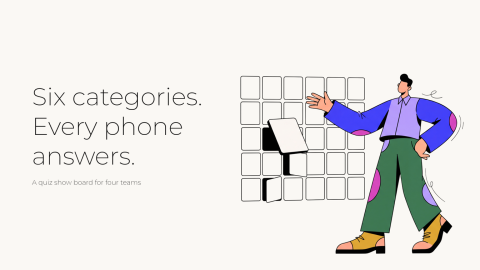
Team trivia on a quiz show board
Six categories of five clues, easiest first, for four teams. The team in control picks a clue, everyone answers on their phone, and the team's most popular answer is the one that counts. Steals and a final clue are on.
4 slides · 1 activity
Classroom review game, whole class answering
A review board where every student answers every clue, not just the fastest hand. Forty-five seconds a clue so teams can argue, and a reveal that shows how much of the class knew it. Swap in your unit's content by describing it or editing any tile.
4 slides · 1 activity
Captain's call quiz show
The first person on each team is its captain and drafts the rest. Everyone answers every clue, and the captain sees the team's answers and makes the final call. Built for offsites where a team wants one person to own the answer.
4 slides · 1 activity
High-stakes quiz show for a party
Movies, music and TV on a board where a wrong team answer costs the team in control the clue's points. People choose their own team, and every team bets on the final clue, so the lead can change on the last answer.
4 slides · 1 activity
How to make a Jeopardy-style game in PowerPoint
A slide-deck board is one grid slide, one slide per clue, and a link between them in each direction. PowerPoint already has the part that matters. Microsoft's help page says it automatically bookmarks every slide in a presentation, so any shape can jump to any slide.
- Make the board slide. Draw a grid of rectangles, six columns by five rows, with a category name above each column and a point value on each rectangle. Use shapes rather than a table, so the whole tile is the link and not just its number.
- Make the clue slides. One slide per tile, thirty in all, with the clue in large type. Put the correct answer on the slide after it, or on the same slide behind a click.
- Link each tile to its clue. Select the tile, then Insert > Link, and choose Place in This Document. On a Mac the option is called This Document, and in PowerPoint for the web it is This Presentation.
- Link every answer slide back to the board. Put a small shape in the same corner of each one and link it to the board slide.
- Add a final clue at the end, and decide before you start how people will bet on it.
- Run it in Slide Show, and keep the score on a whiteboard or a sheet of paper.
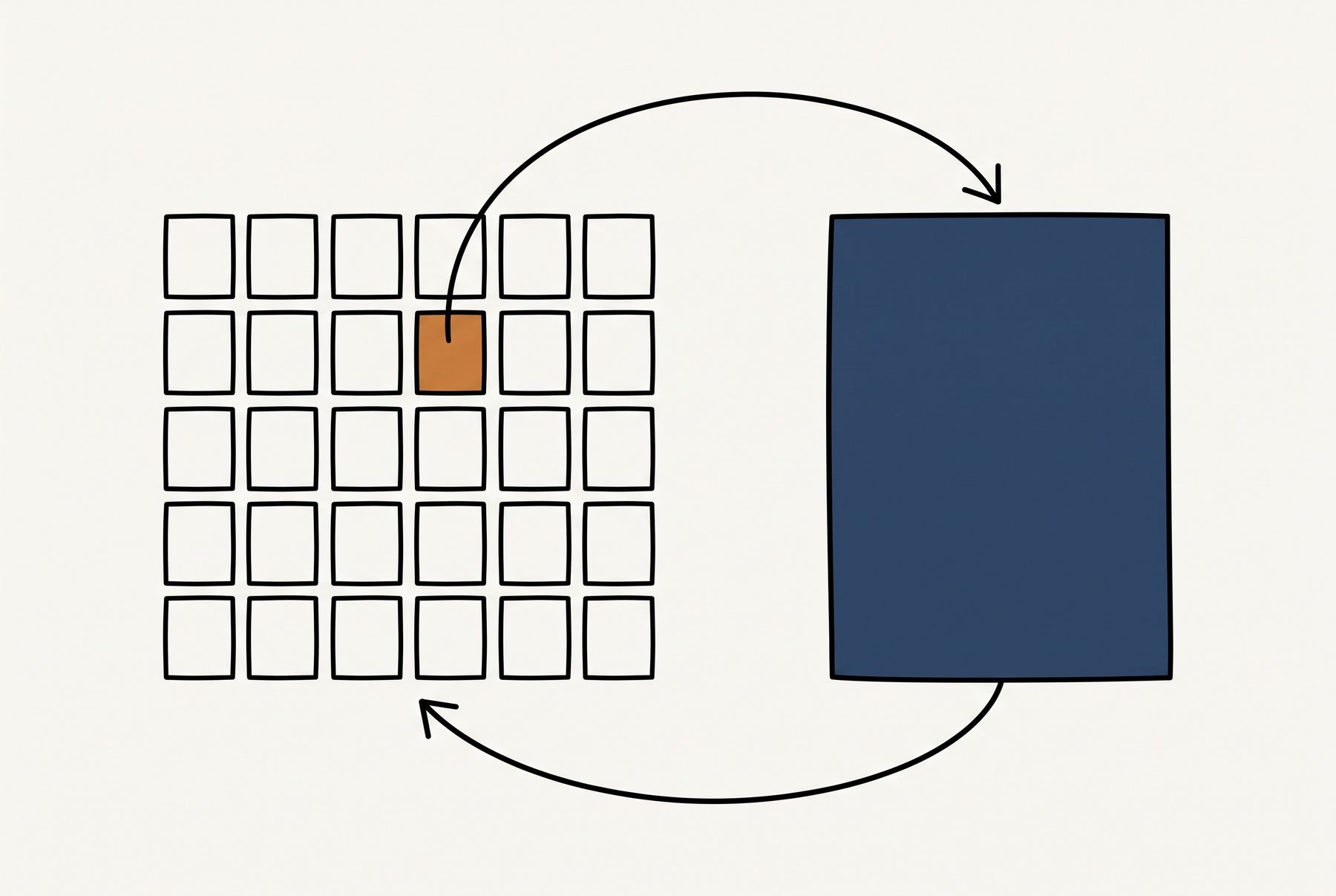
Step four is the one the whole board depends on. A plain link goes to its slide and stops, so every clue needs its own way home.
Zoom is the shortcut if you have a recent desktop PowerPoint. Insert a Slide Zoom of the clue slides on the board, then select the zoom and tick Return to Zoom on the Zoom tab. Microsoft's page notes that a slide zoom moves on to the next slide by default, so the box has to be ticked. Its requirements table lists no zoom support in PowerPoint for the web or PowerPoint Live in Teams.
Budget the time honestly. Cusick, who ran a board like this for a class of 104 students, lists the need to create hyperlinks for each question as a drawback. His advice is to add the links only once the slide order is final, which keeps that time down.
The same board in Google Slides
The build is the same in Google Slides, and the link box is where it differs. Select a shape, press Ctrl+K on Windows or Cmd+K on a Mac, and pick Slides in This Presentation to choose the clue slide. That label comes from a university IT guide rather than from Google, whose own help pages do not cover linking between slides.
Put the link back to the board on every answer slide by hand. The same IT guide suggests building the buttons once, then copying and pasting them onto each slide.
Where a slide-deck quiz show board breaks
The board itself works. The rule it inherits from television is the problem. Cusick put 104 students into 19 teams and worked out what first-to-buzz would mean for them. Each team would answer only one out of every 19 questions on average.
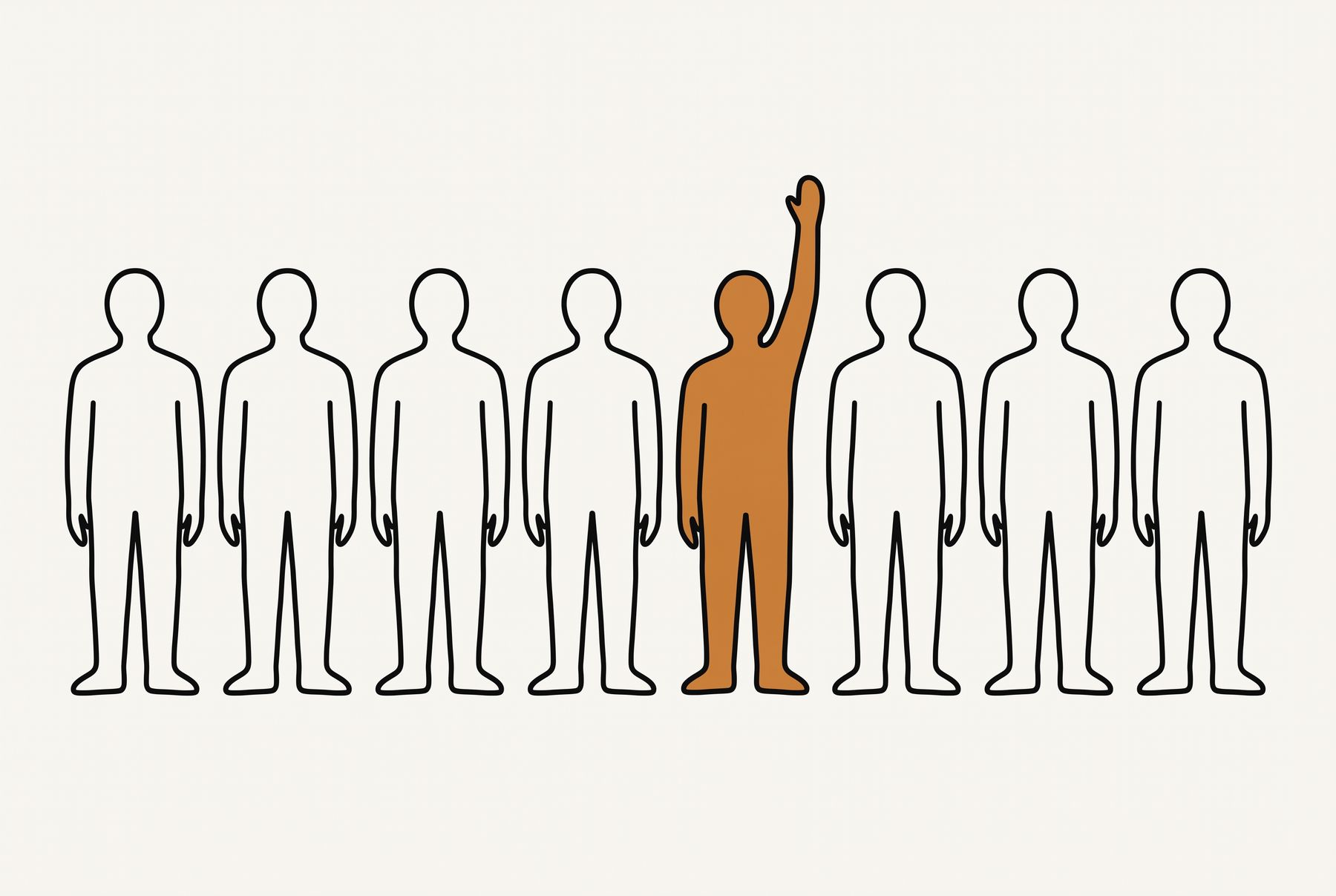
Inside a team the same thing happens again. Cusick's observation is that big teams tend to be dominated by more confident or outgoing individuals, and the quieter students stop getting the practice. So the person who already knew the answer says it, and everyone else waits for the next clue.
Then there is the scorekeeping. A slide deck cannot count, so somebody tallies points on a whiteboard, argues about who buzzed first, and tracks which clues are gone. None of that is hard. It is all attention the host is not spending on the room.
Cusick's fix was to have every team answer every question with clickers. He dropped the part of the show where one contestant controls the board.
Why everyone should answer every clue
Whether a review game raises exam scores at all is less settled than it looks. Simkin ran quiz show reviews in undergraduate information systems classes and compared the final exam questions the game covered. The share of students missing them was 16.4% without the game and 16.8% with it, which he calls statistically insignificant. In his early trials, only three students played as contestants.
The stronger evidence is about who answers. Gardner, Heward and Grossi compared calling on one student with a raised hand against giving every student a write-on card. In a class of 22 students, responses were 14 times higher with the cards. All 22 scored higher on next-day quizzes and two-week review tests covering the card lessons.
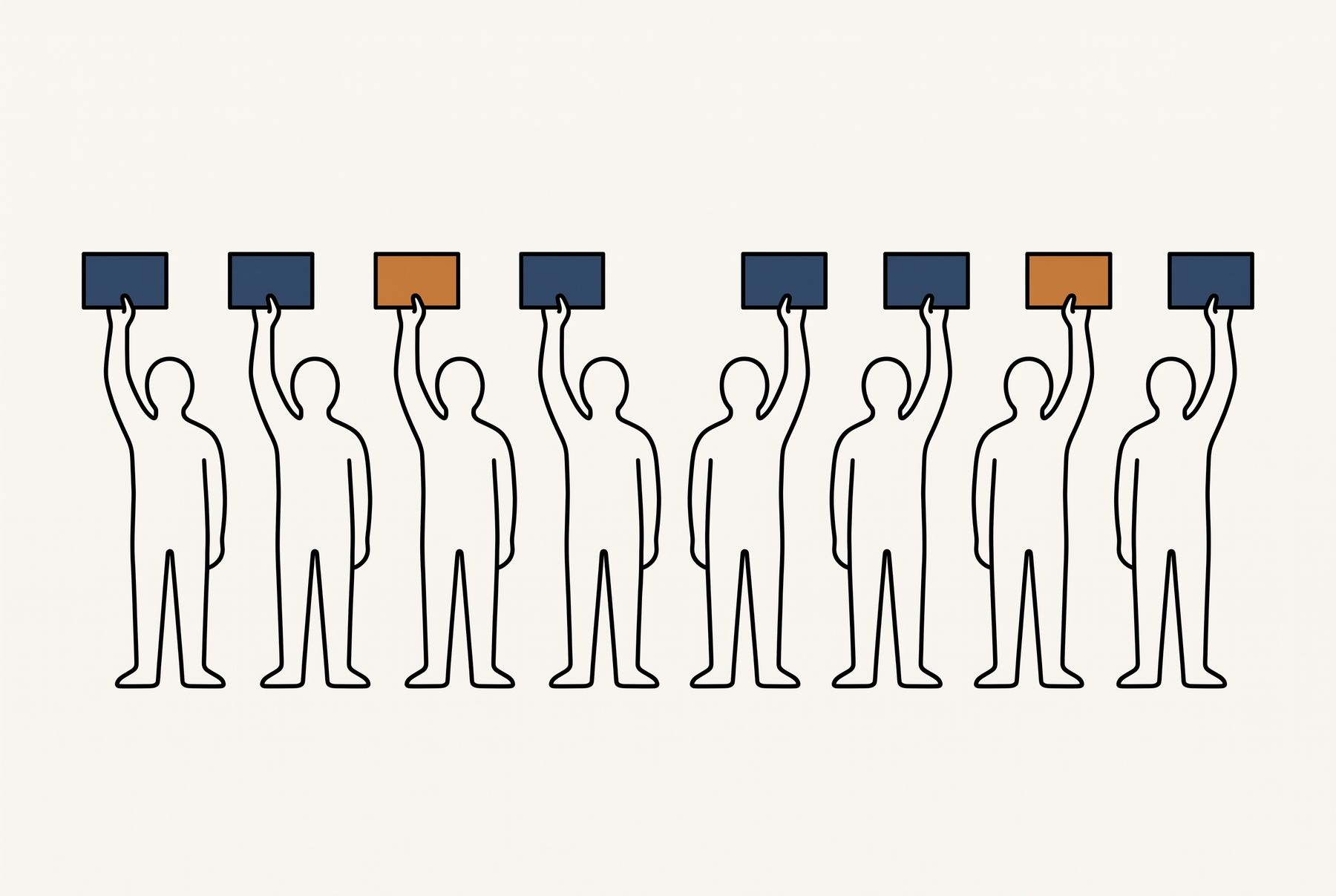
That result is one class of schoolchildren with laminated boards, not adults with phones. It is also not alone. Narayan and colleagues found the same direction in a fourth-grade class, where 19 of the 20 students preferred the cards to hand raising.
Talking before answering helps too. Smith and colleagues had students vote on a question, discuss it with their neighbours, and vote again. They concluded that peer discussion enhances understanding even when none of the students in a discussion group originally knows the correct answer.
So keep the board, because it gives a room choices and a reason to care about the score. Change the rule about who answers.
A quiz show board where the whole room plays
Questionable! is team trivia on a board of categories, and it runs on a slide in Decka, in PowerPoint through the Decka add-in, or in Google Slides through the Chrome extension. People join by scanning a QR code or opening a link, and play in their phone's browser with nothing to install.
The room splits into teams. The team in control votes on their phones for a tile, and the clue goes to every phone in the room. Everyone types an answer before the clock runs out. The team's most popular answer is the one that counts. Switch on captain mode and the captain sees the team's answers and makes the call instead.
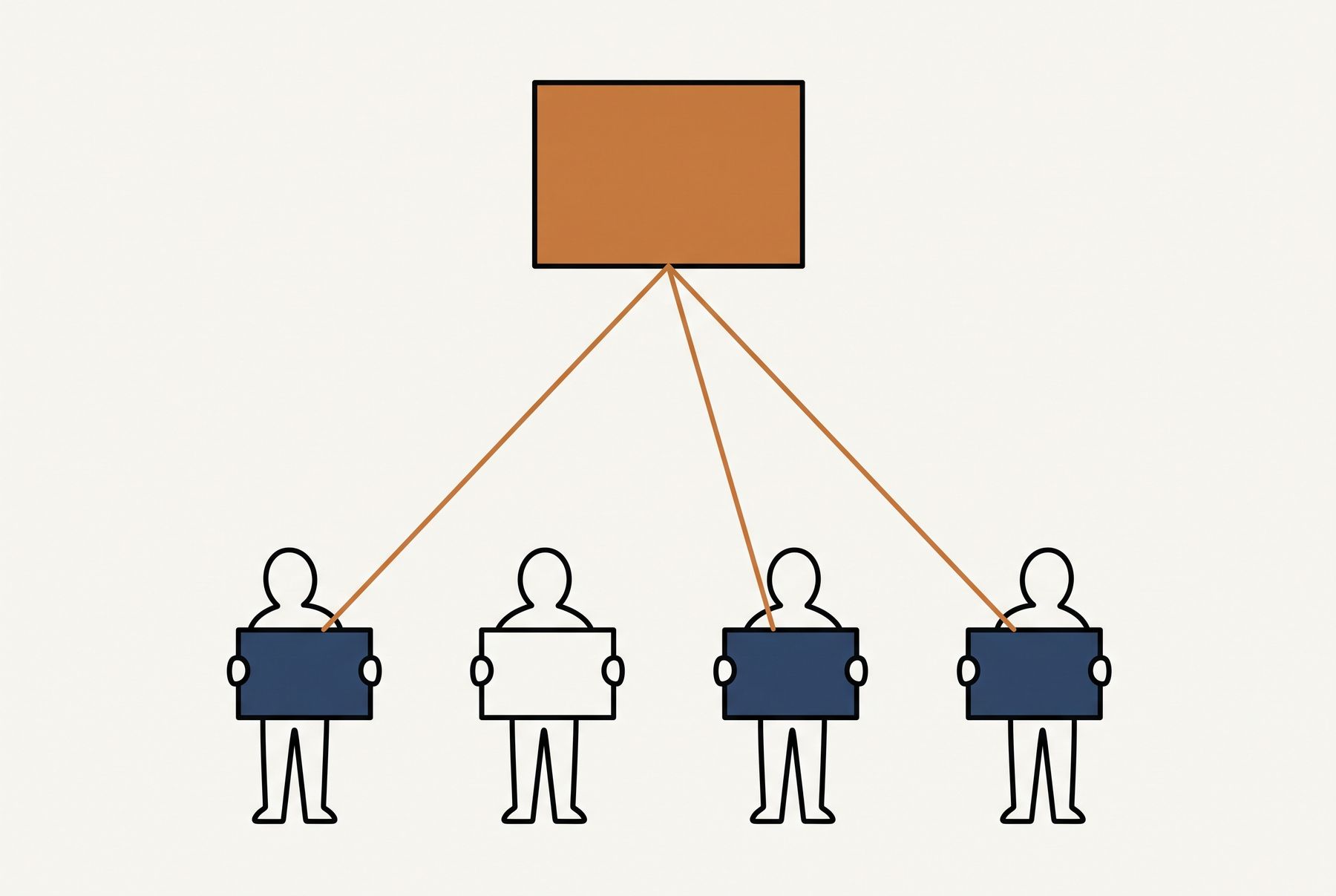
Nobody has to phrase an answer as a question. Answers that mean the same thing are grouped as they arrive, so "sunk cost", "the sunk cost fallacy" and a near-miss spelling land together. You can still mark any answer right or wrong yourself.
A right answer earns the points and the next pick. A miss can be stolen by another team whose members mostly got it right. Every player also earns the clue's points for a right answer, so an individual leaderboard runs alongside the team one.
The final round is on by default. Before the final clue appears, each team places a bet, up to its score or to the board's top clue value if that is more. Every team answers at once. A right answer adds the bet and a wrong one takes it away.
From your phone you can pause, add time, close answers early, skip a clue, mark an answer by hand and adjust a score. When the game ends, the results screen names the winning team and the top players, and the session report keeps how the room did on every clue.
How to write a quiz show board
Write the columns first and the clues second. A category is a promise about what kind of thing the answer is, and a good one gives a table something to argue about before the clue appears.
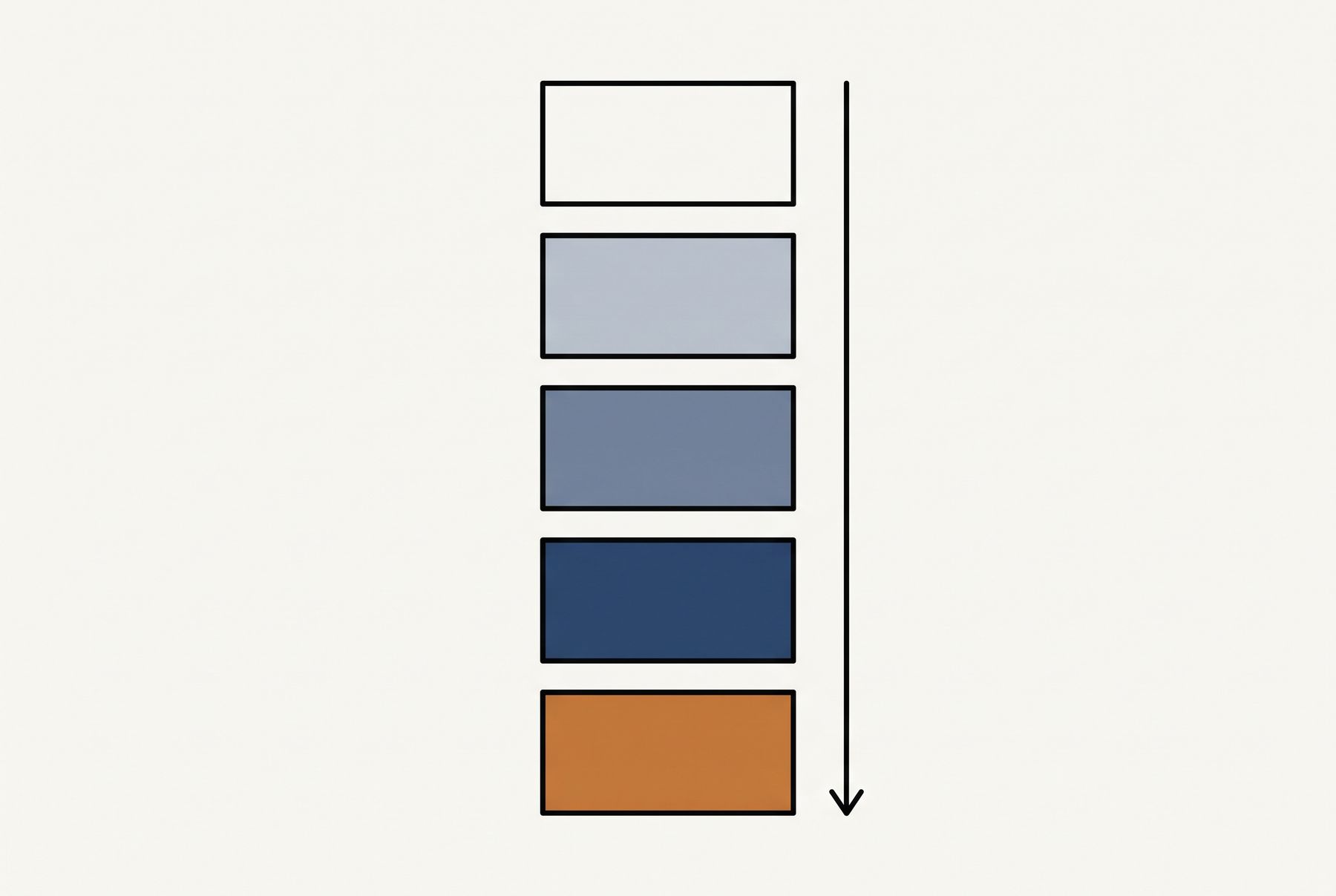
Put the easy clue at the top of each column and make each one below it ask a little more. The show sorts its clues by varying degrees of difficulty and matches them to rising values, and the board only works if the values mean something. A column where the bottom clue is easier than the top one teaches the room that the numbers lie.
Keep every answer short enough to type on a phone. One to three words is the target. An answer that needs a sentence is really a discussion question, and a quiz show clock is the wrong place for one.
Expect to be wrong about difficulty. Simkin found some of his easy questions were challenging to students, and vice versa, and he changed his exams and his teaching because of it. That is the most useful thing a review game produces, so read the reveal as data about the room.
In Questionable!, Generate board writes a whole board from one description of the room or the topic, easiest clues first, plus a final clue. You can give it an answer and have it write the clue, or the other way round, one tile at a time. You can also start from a curated board and change any tile by hand.
Quiz show category ideas for class, work and parties
A category name with a small joke in it gets a laugh when the board appears, and costs nothing. Keep it readable in one glance, because the name has to fit on a tile.
For a classroom review:
- Vocabulary from this unit
- Who said it
- Put these in order
- Cause and effect
- Fix the mistake
- Before and after
For a team meeting or an offsite:
- Acronyms we actually use
- Guess the launch year
- Our customers, in their own words
- Name that internal tool
- Numbers from the last all-hands
- Who is on the org chart
For a party:
- Movie quotes
- One-hit wonders
- Famous firsts
- Food around the world
- Animal facts
- Before they were famous
The work categories are the ones that get people talking afterwards, because the answers are about the room. Write them yourself. The model does not know your acronyms.
Start from one of these
Each one opens in your dashboard, ready to run. You can change every word of it.
Team trivia on a quiz show board
Six categories of five clues, easiest first, for four teams. The team in control picks a clue, everyone answers on their phone, and the team's most popular answer is the one that counts. Steals and a final clue are on.
4 slides · 1 activity
Classroom review game, whole class answering
A review board where every student answers every clue, not just the fastest hand. Forty-five seconds a clue so teams can argue, and a reveal that shows how much of the class knew it. Swap in your unit's content by describing it or editing any tile.
4 slides · 1 activity
Captain's call quiz show
The first person on each team is its captain and drafts the rest. Everyone answers every clue, and the captain sees the team's answers and makes the final call. Built for offsites where a team wants one person to own the answer.
4 slides · 1 activity
High-stakes quiz show for a party
Movies, music and TV on a board where a wrong team answer costs the team in control the clue's points. People choose their own team, and every team bets on the final clue, so the lead can change on the last answer.
4 slides · 1 activity
When the PowerPoint version is the better call
Some rooms should get the slide deck. The discipline of naming them is what keeps the phone version welcome in the rooms that should get that.
Use the slide deck when phones are not allowed. Plenty of classrooms ban them, and a game that depends on one is a game you cannot run there.
Use it with five or six people around one table. A small group can shout answers without anyone being left out, and a QR code adds a step for no gain.
Use it when the venue has no reliable internet. A slide deck runs from a laptop with no connection at all.
For everything else, the cost of the slide deck is the room's attention. One team answers, and the scoring and buzzer arguments land on you.
A note on the name
Jeopardy! is a registered trademark of Jeopardy Productions, Inc., including for online games. Decka is not affiliated with the show or its owners. We name it on this page only because it is the format most people picture when they look for a quiz show board. Questionable! uses none of the show's names or catchphrases.
FAQ
Common questions
Is there a free Jeopardy template for PowerPoint?
You can build one yourself with the six steps on this page, since PowerPoint can link any shape to any slide. The four templates here run a live board in Decka instead, where everyone answers on their phone rather than watching you click through slides.
How do you make a Jeopardy game in Google Slides?
Build a grid slide and one slide per clue. Select each tile, press Ctrl+K or Cmd+K, and choose Slides in This Presentation to link it to its clue. Then add a link back to the board on every answer slide.
How do you play classroom Jeopardy without buzzers?
Let every team answer every clue. Cusick did that with clickers in a class of 104 students, because under buzzer rules each of his 19 teams would have answered only about one clue in 19. In Questionable!, every phone gets every clue, and the team in control's most popular answer counts.
Can AI make a Jeopardy-style game?
Yes. In Questionable!, you describe the room or the topic and the whole board is written for you, easiest clues first, plus a final clue. Every tile stays editable, and you can have it write a single clue from an answer.
Do quiz show review games improve test scores?
The evidence is mixed. Simkin found no difference in how many students missed the questions a quiz show review covered. The clearer finding is about participation: when every student answered, Gardner, Heward and Grossi found all 22 in the class scored higher on the next-day quizzes.
Run this with your own team
Start free, no credit card. Your audience joins from their phones with a code — nothing to install.